ScreenPrompt: Notes only you can see.
ScreenPrompt is a notes window and teleprompter that stays on top of everything, and out of every screen share, recording and screenshot. Free, for Windows.

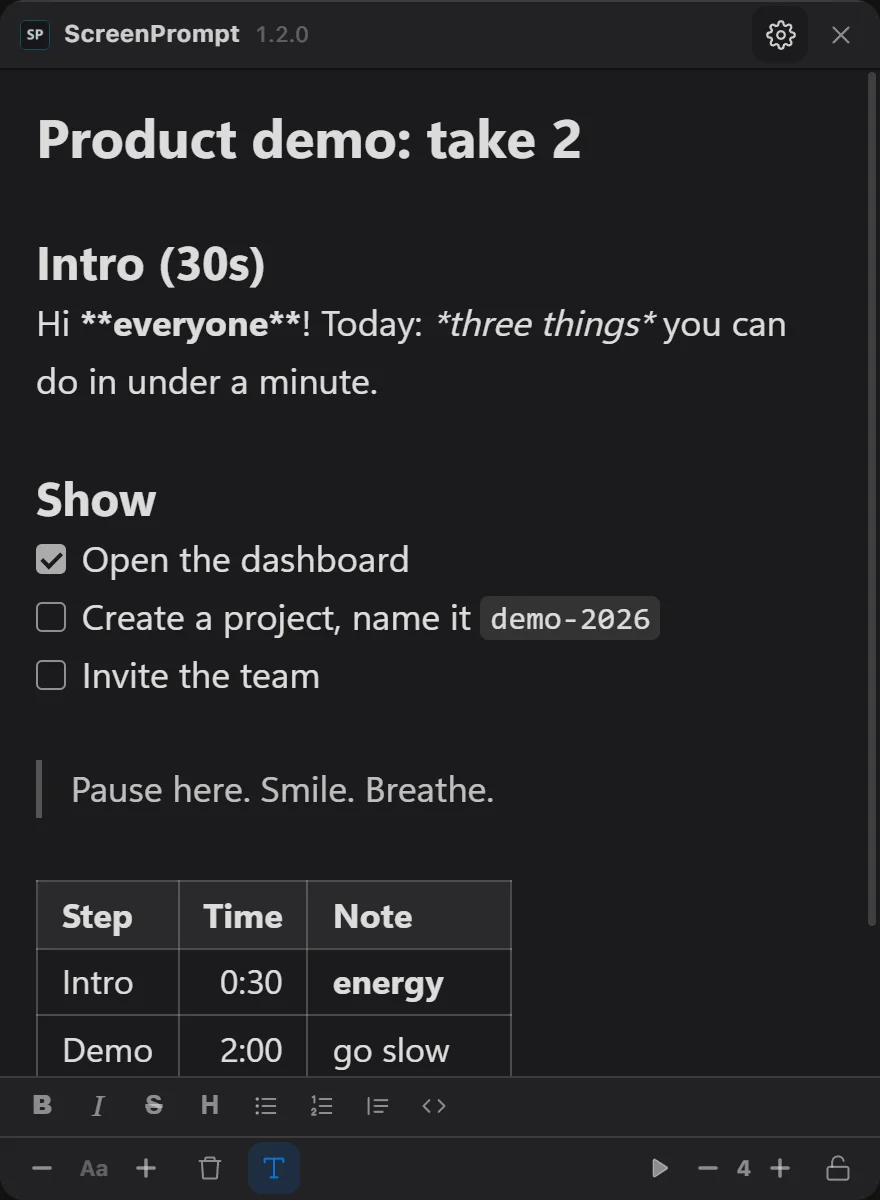
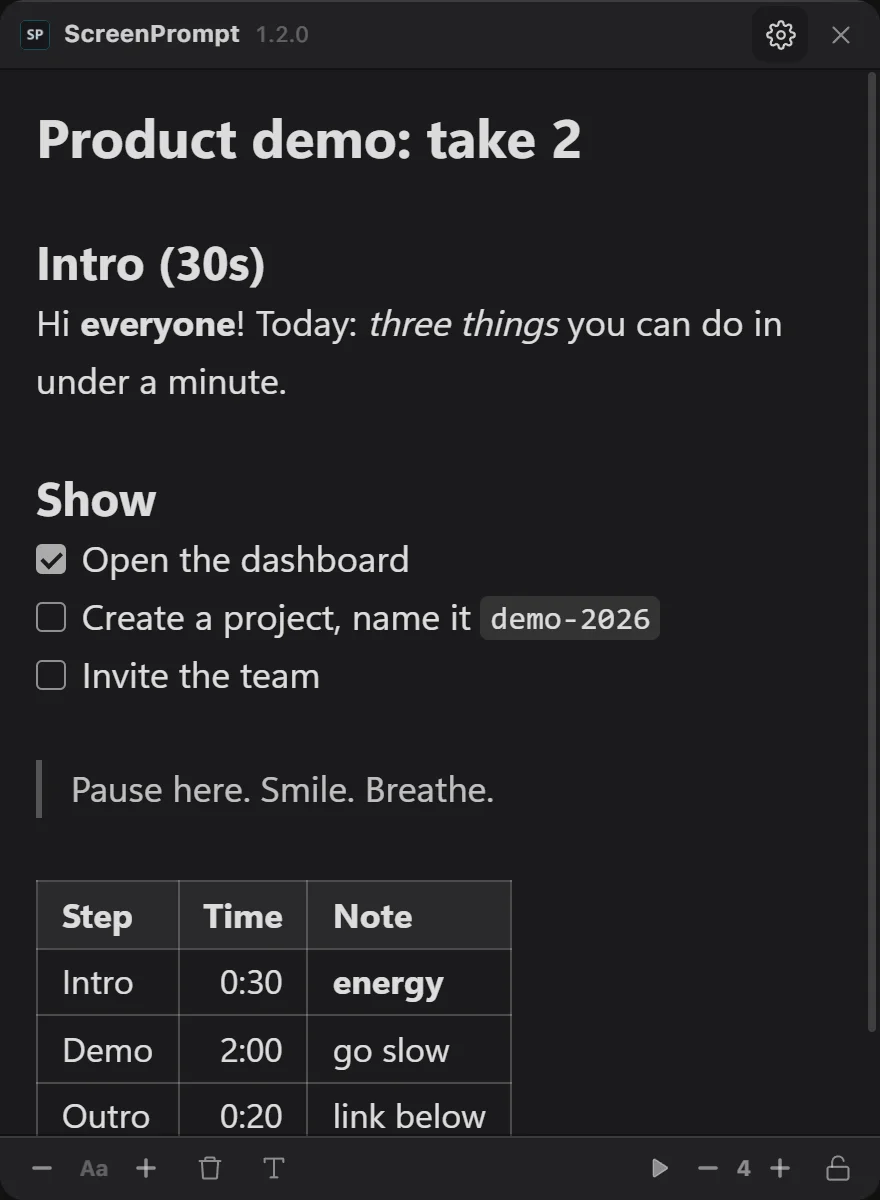
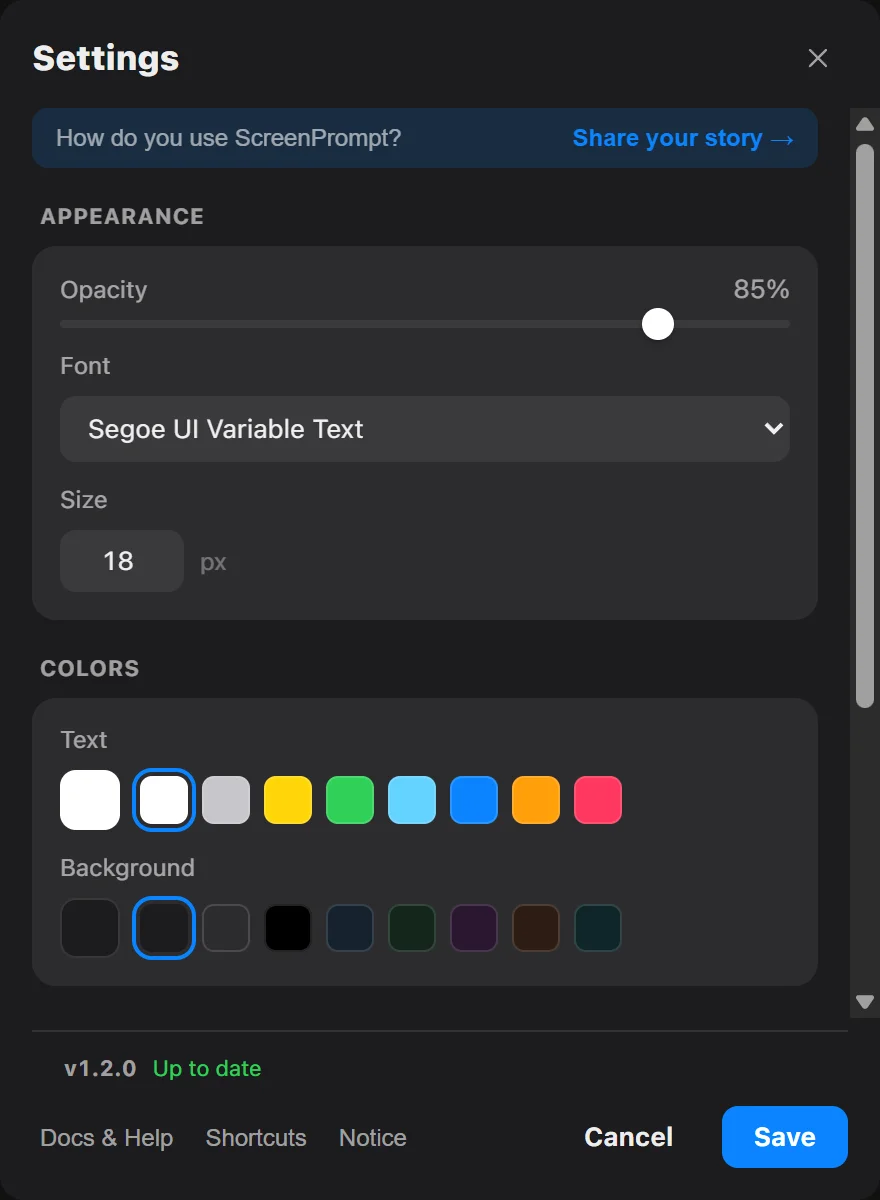
The whole app is one small window.
Everything on this page happens inside it, on top of whatever you are sharing.
First, install it.
One small installer, for you only, no admin rights needed.
Then type your notes.
Or paste a script. Drag the window where your eyes already are.
Share your screen as usual.
Zoom, Teams, Meet, OBS, Discord: nothing changes on your side.
Only you see them.
Windows leaves the window out of everything it captures.
Good to know
Will Windows warn me? Maybe, the first time. The installer isn’t code-signed yet, so SmartScreen may say it doesn’t recognise the app: choose More info, then Run anyway. Since 1.2.0, installers are built from the public source code by GitHub Actions.
What do I need? Windows 10 version 2004 or later, or Windows 11. If your PC doesn’t have Microsoft Edge WebView2 yet, the installer downloads it from Microsoft.
Which apps can’t see it? Zoom, Microsoft Teams, Google Meet, OBS, Discord and Snipping Tool, in their desktop apps and in the browser, and anything else that captures the screen through Windows.
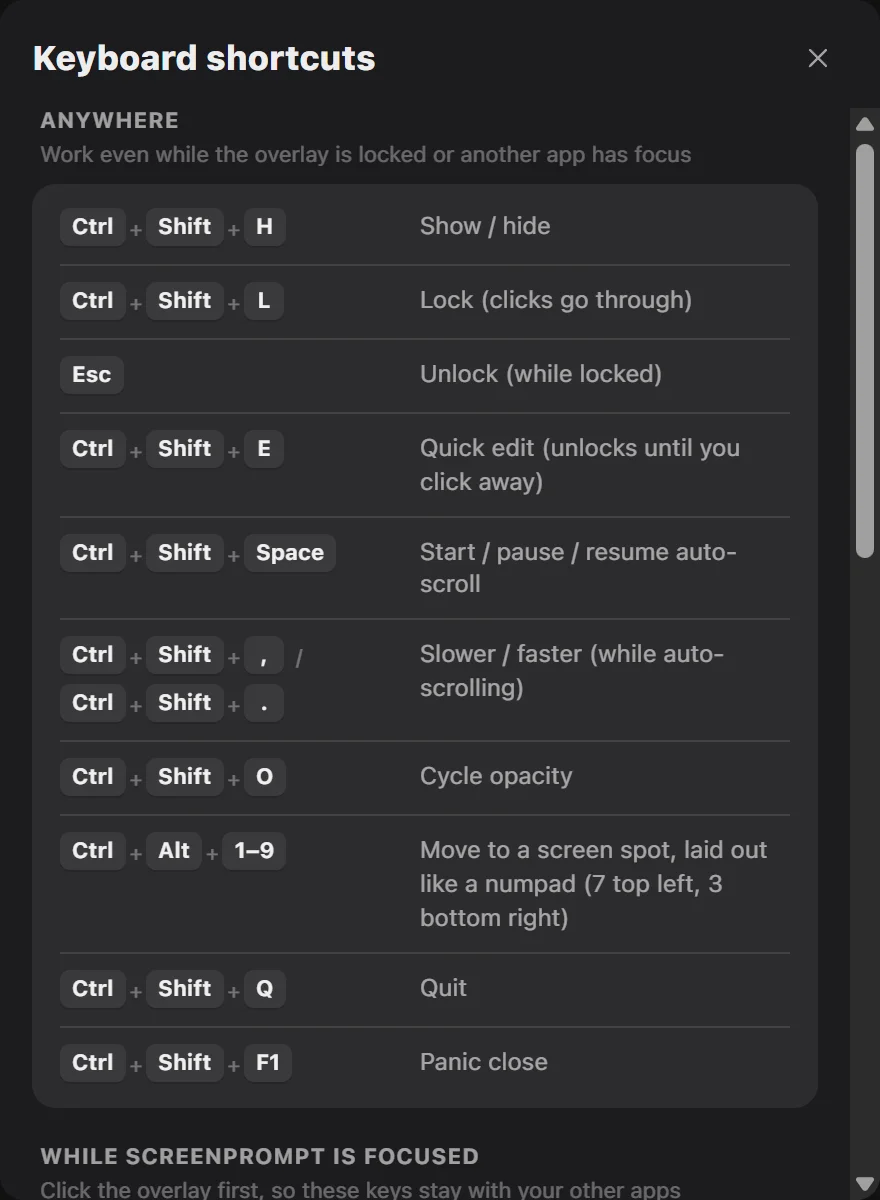
Can I use it as a teleprompter? Yes. Auto-scroll moves your notes at the speed you set, and Ctrl+Shift+Space starts, pauses and resumes it from any app, so you can read a script while you share your screen or record.
How does it hide? It asks Windows to leave its window out of capture (WDA_EXCLUDEFROMCAPTURE). A camera pointed at your monitor still sees it.
Is there a Mac version? No. ScreenPrompt is made for Windows only, because it relies on that Windows feature to stay out of capture.
Does it send my notes anywhere? No. Notes and settings stay on your PC, with no accounts, analytics or telemetry. The one request it makes is an update check to GitHub, which you can turn off, and updates never install without asking.
What if I need it gone right now? Ctrl+Shift+F1 closes it instantly, even while it is locked.
Can I use it in exams or interviews? No. It is made for calls, demos, streams and presentations, not for cheating or getting around proctoring software or any platform’s rules, and features for that won’t be added.
Is it really free? Yes, and open source under the MIT License. The code is on GitHub.
How do I remove it? In Windows Settings, under Apps, like any other app.